Live feed
Desktop
Mobile
What this page does
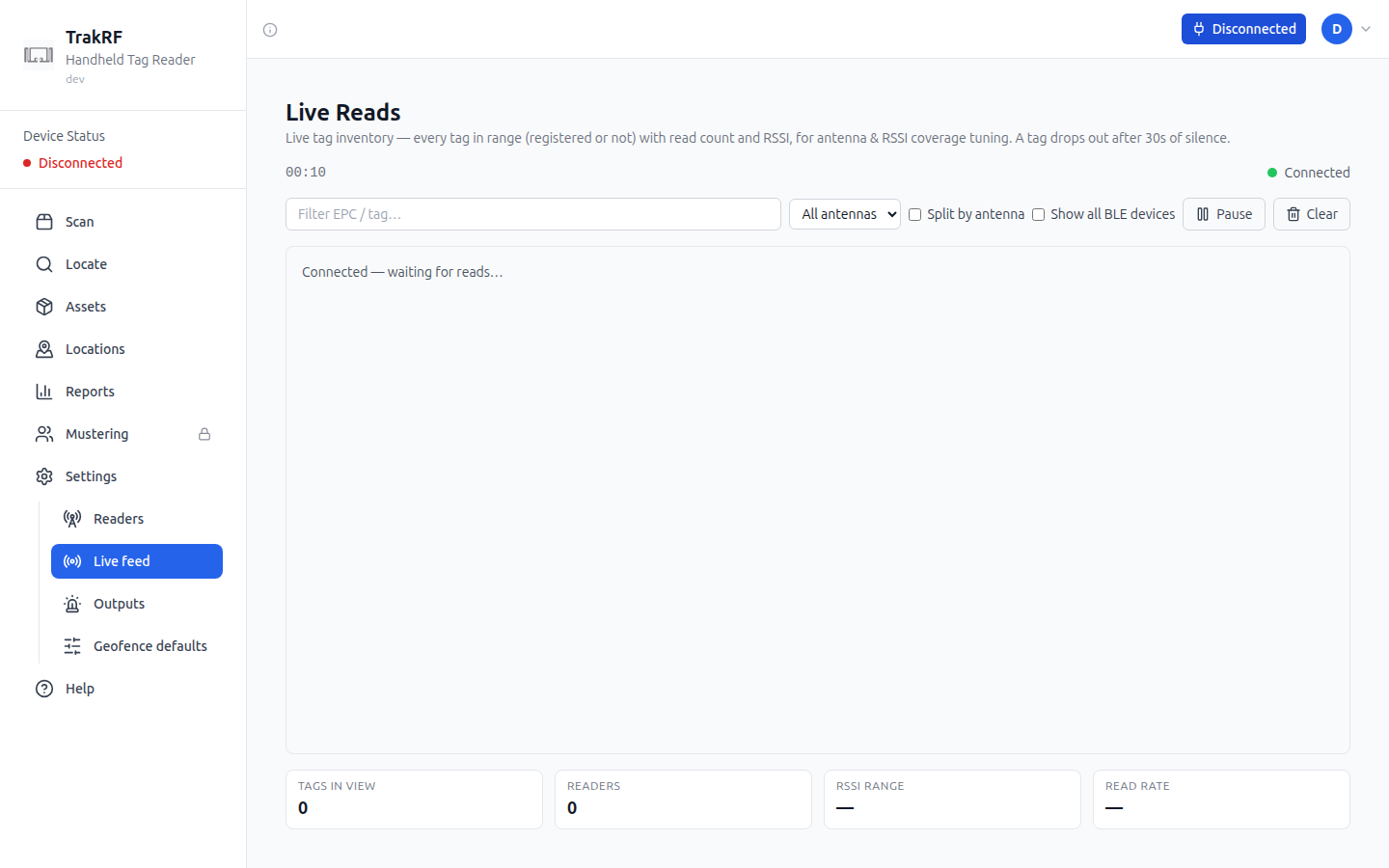
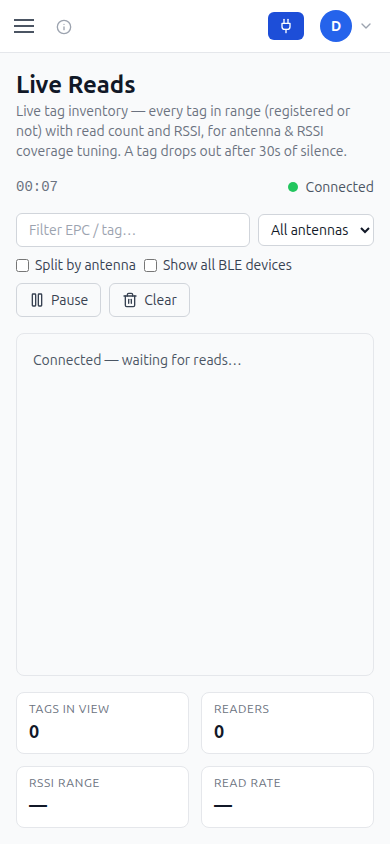
Live feed shows every tag a connected reader can see, matched to an asset or not — the page's own subtitle describes it as covering "every tag in range (registered or not)" for antenna and RSSI coverage tuning, and notes that a tag drops out of view after 30 seconds of silence. A text filter narrows by EPC or tag value, and an antenna dropdown (defaulting to All antennas) narrows further once a reader reports more than one. Split by antenna and Show all BLE devices checkboxes expand the view, and Pause and Clear control the stream without disconnecting. Four tiles across the bottom — Tags in view, Readers, RSSI range, and Read rate — summarize the session, alongside a connection indicator and an elapsed timer.
How it fits in the app
Where Scan turns reads into a checklist against an uploaded CSV, Live feed is a diagnostic view of raw signal: read counts and RSSI per tag, useful for placing readers, tuning antenna coverage, or confirming a newly registered reader (from Readers) is actually publishing.