Outputs
Desktop
Mobile
What this page does
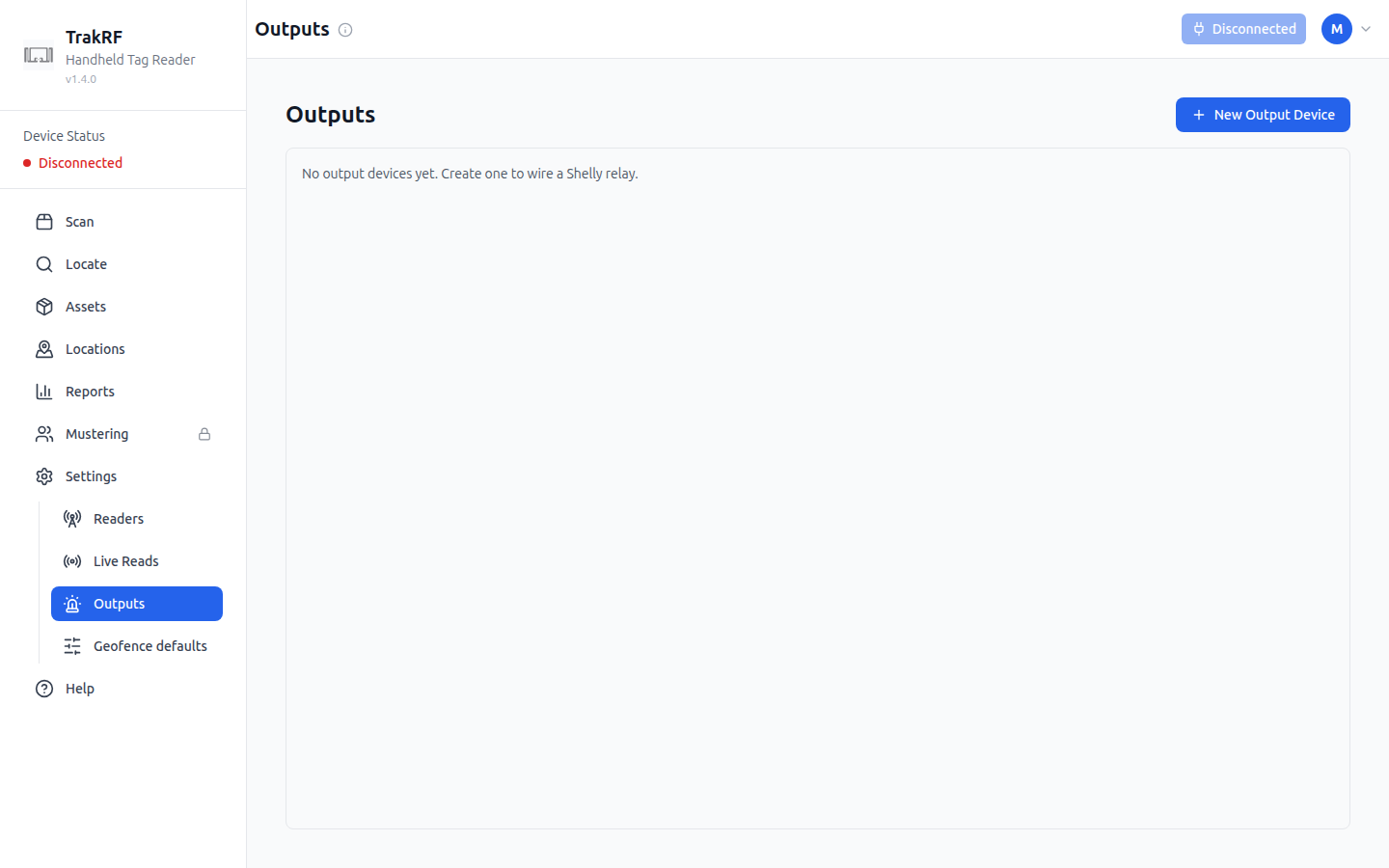
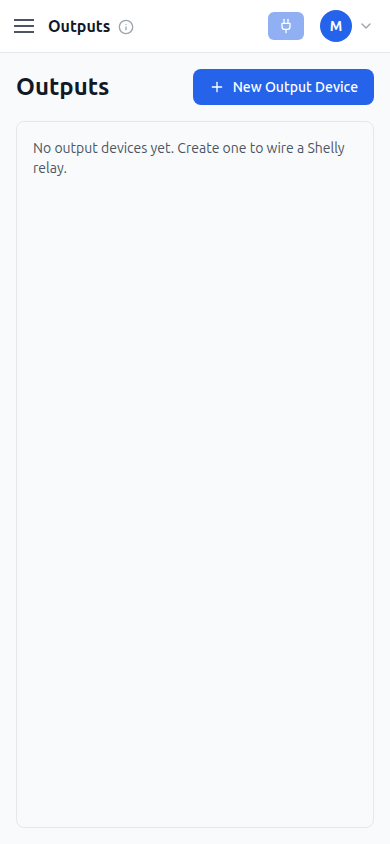
Outputs lists the physical relays wired to react to geofence activity — the empty state on a fresh org reads "No output devices yet. Create one to wire a Shelly relay." Creating one asks for a name, a device type (Shelly Gen4 or CSL Reader GPO), a transport (HTTP (local edge) or MQTT (broker)), and a base URL (must be reachable from the backend's network) plus a switch ID (the relay channel, usually 0). An optional Location binding fires the output only when an asset is seen there on any reader or antenna, and leaving it blank means the output is managed manually instead. A Mode setting chooses Egress — fire once on crossing, then latch — or Presence — stay on while an asset is present and clear when the last one leaves — and per-output RSSI threshold, Age-out, and Auto-off fields override the organization's geofence defaults when set. An Active checkbox controls whether the output is live.
Outputs is enabled per organization. Organizations without it see a locked page in its place, reading that the feature isn't enabled for their organization and directing them to contact [email protected] — a padlock next to Outputs in the sidebar is expected in that case, not a bug.
How it fits in the app
Outputs is what geofencing acts on: a tag crossing into or out of a bound Location can flip a physical device, tuned by this output's own RSSI, age-out, and mode settings or, when those are left blank, by the organization's Geofence defaults.