Scan
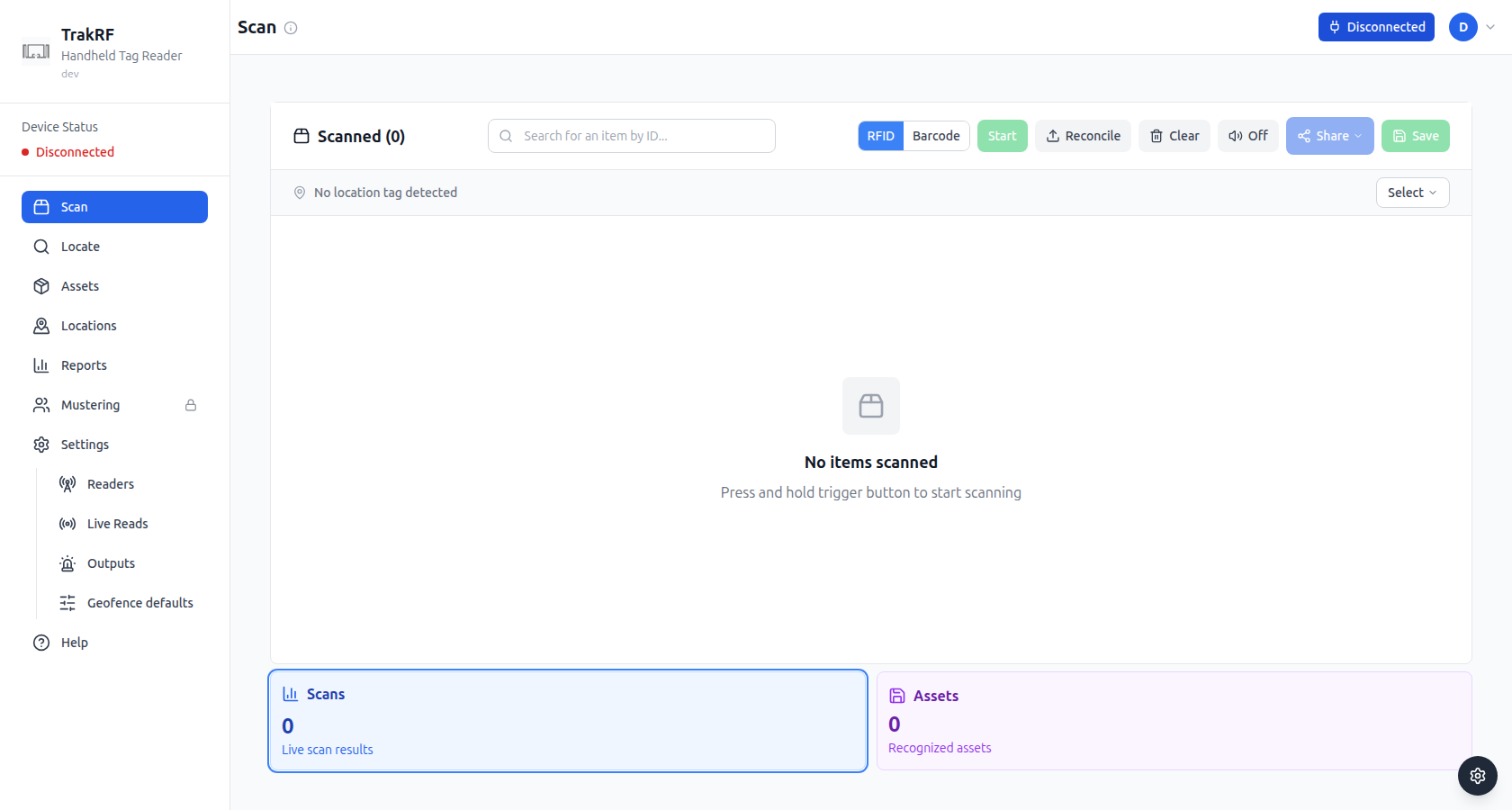
Desktop
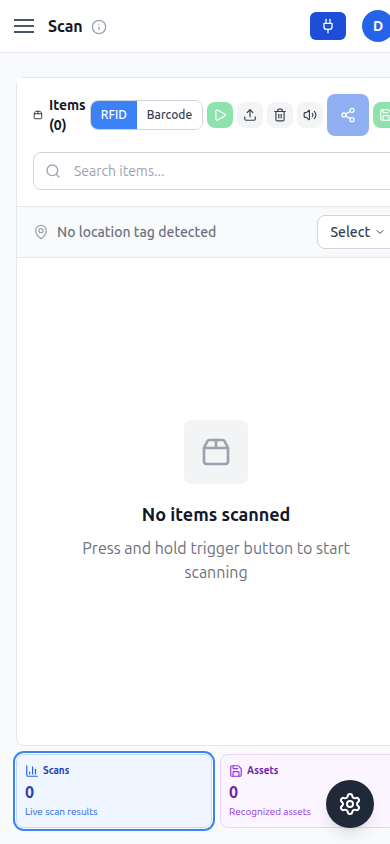
Mobile
What this page does
Scan is where a paired handheld reader turns into a live results list. A mode toggle switches the reader between RFID, which sweeps every tag in range on each pass, and Barcode, which reads a single code at a time — genuinely different behavior, not just a different label. Alongside the toggle, the toolbar holds Start, Reconcile, Clear, an audio toggle, Share, and Save; Start stays disabled until a reader is connected, while the rest are available regardless. A location-tag selector reading "No location tag detected" sits above the results table so a scan can be tied to a place before it's saved. Below the table, tile cards summarize the session: Scans and Assets are always present, and running Reconcile to upload a CSV of expected tag or asset identifiers adds Found, Missing, and Extra tiles — showing which expected items turned up, which didn't, and which scanned tags aren't in the CSV at all. With no reader connected the table shows a "No items scanned" empty state prompting you to press and hold the trigger. On the narrow mobile layout the toolbar and tile row are wider than the viewport; the screenshot above shows the initial, unscrolled view, and reaching Save, the location selector, or the Assets tile means scrolling right.
How it fits in the app
Scan is where physical reads become data: tags that match existing records link straight through to Assets, and any tag — matched or not — can be pinpointed with Locate. Reconciling against an uploaded CSV turns a scan into a quick check for what's missing or unexpectedly present in a space, without looking anything up by hand.