Readers
Desktop
Mobile
What this page does
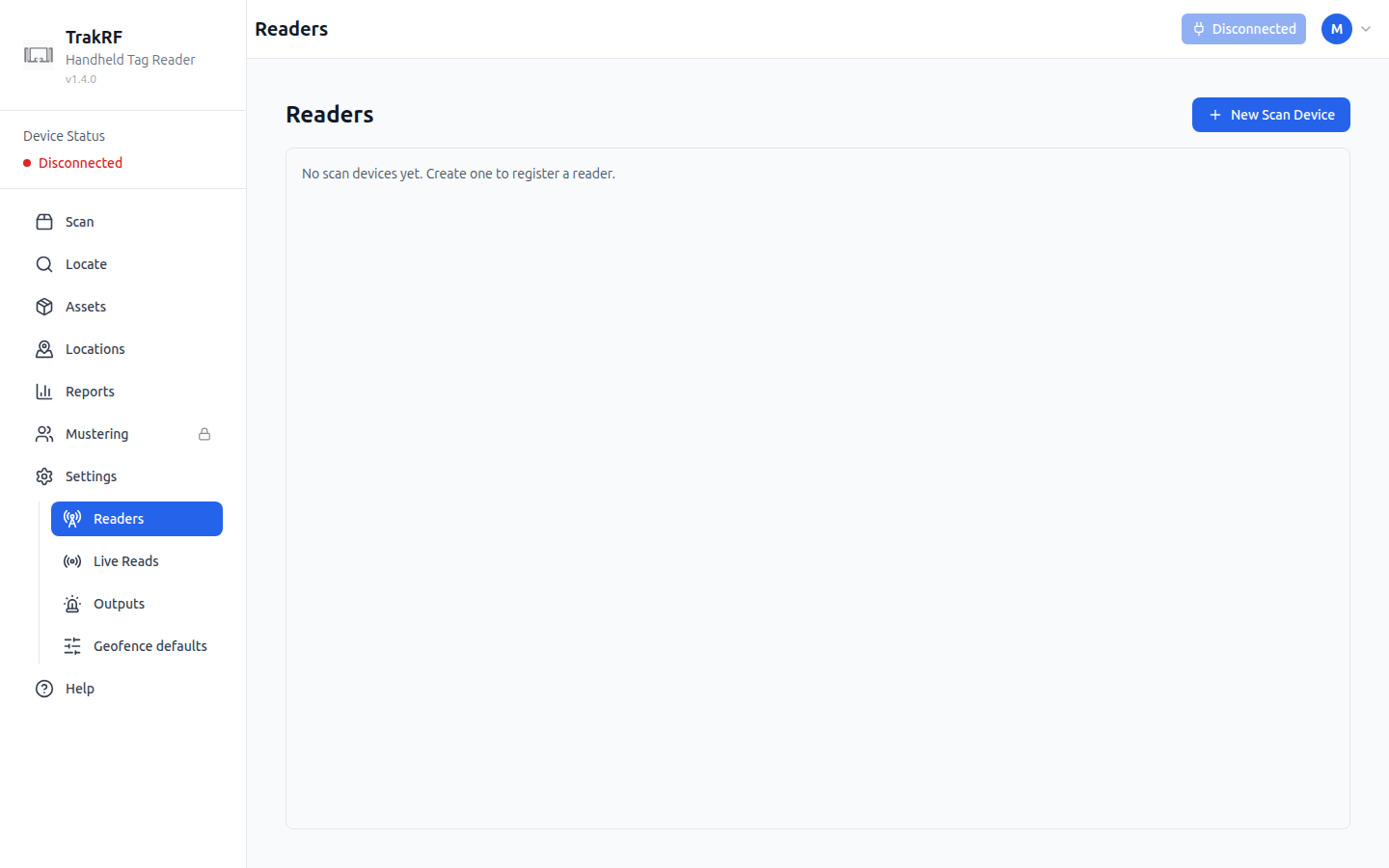
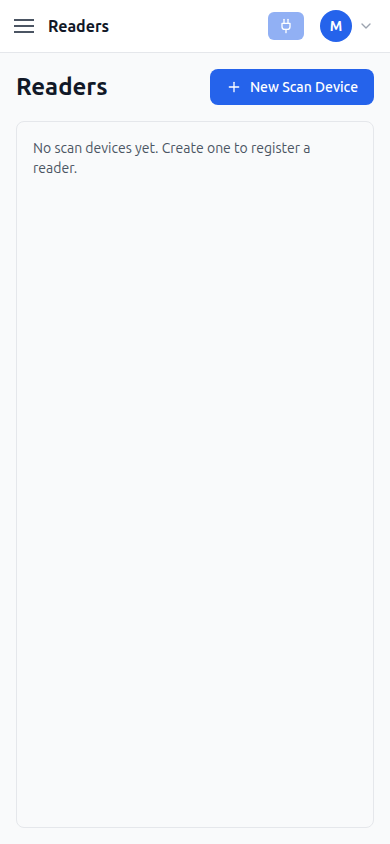
Readers is where fixed RFID readers — the kind mounted over a doorway or wired into a rack, as opposed to the handheld unit paired from Settings — get registered. A fresh org shows "No scan devices yet. Create one to register a reader." next to a single New Scan Device button. Creating one asks for a name, a reader type (CSL CS463, GL S10, ESP32 BLE (generic), or CSL CS108), and a transport: MQTT, which requires a publish topic scoped under the org's own prefix, or Web BLE. Optional serial number, model, and description fields round out the record, alongside an Active toggle.
How it fits in the app
A reader's reads only reach the app on its registered MQTT topic, so this page is what ties an incoming stream of reads to a named device elsewhere in the app — including the reader count shown on Live Reads. It's one of four device- and automation-focused pages that live under Settings, alongside Live Reads, Outputs, and Geofence defaults.