Home
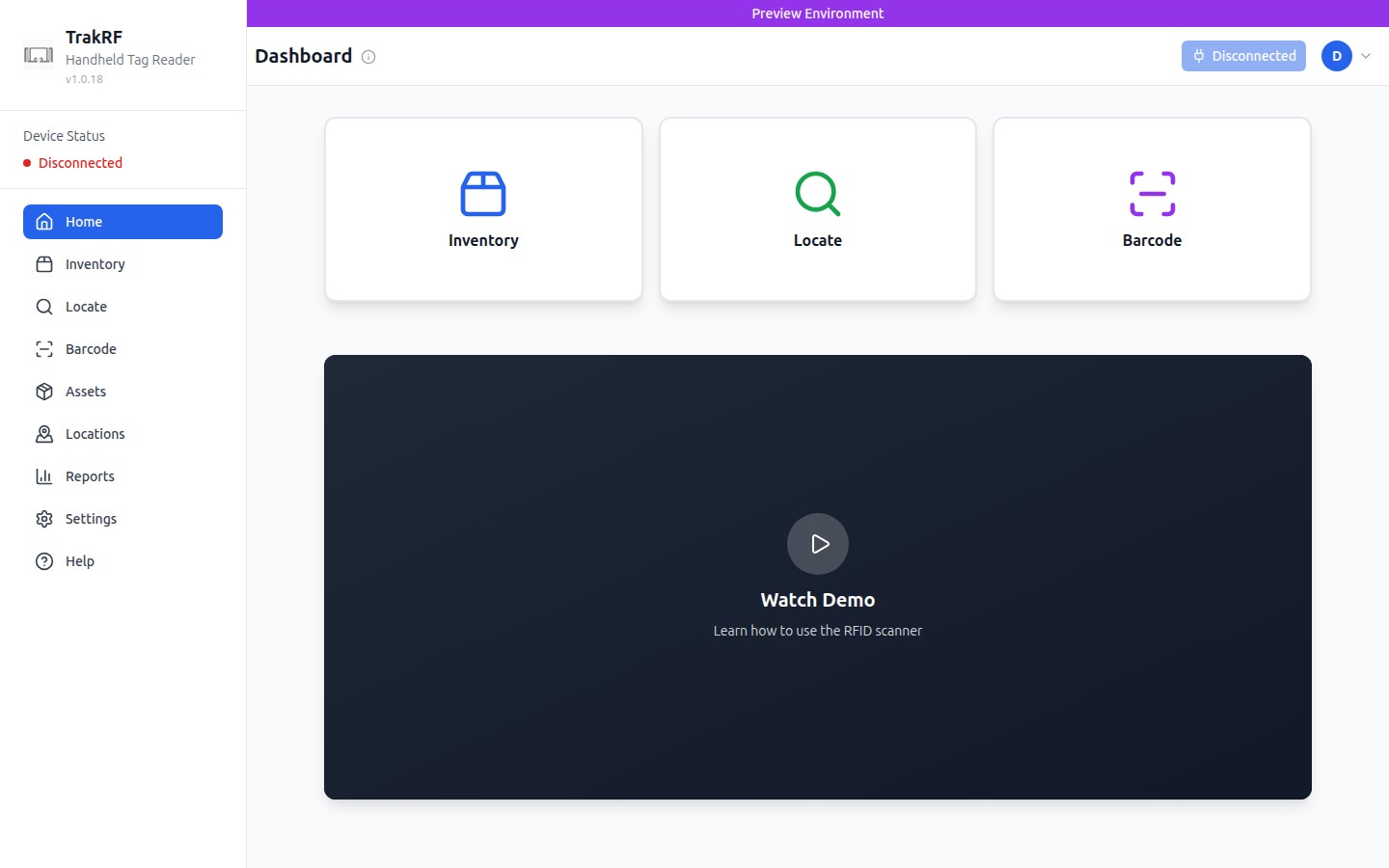
Desktop
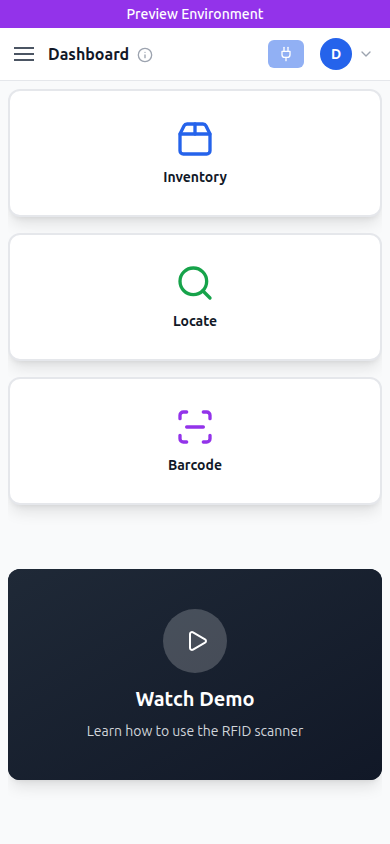
Mobile
What this page does
Home is the dashboard — the first screen you land on after signing in. It shows three large quick-launch cards for the most common scanning tasks (Inventory, Locate, Barcode) and a "Watch Demo" video tile explaining how to use the RFID scanner. The global Device Status indicator in the left rail and the connection button in the top right reflect whether a handheld reader is paired; a fresh account shows "Disconnected".
How it fits in the app
Home is a low-friction entry point: it doesn't require any data to be useful, and the three action cards fan out into the scanning workflows (Inventory, Locate, Barcode) that depend on a paired device. Administrative tabs — Assets, Locations, Reports, Settings — live in the sidebar for when you're setting up rather than scanning.
This page was generated as a first-pass tour. Human enhancement welcome.